

A screenshot, a first name and a photo are easy to fake, and buyers know it. In April 2026 the FTC told consumers that coaching success stories "could be fake or misleading" (FTC consumer alert).
SignedReviews only asks people who paid you. It reads your Stripe charges, emails each client a review link tied to their payment, and signs the review when they submit it.
Does it work with how you get paid?
It works if you can log into your own Stripe account and your client payments land there.
Works
- Stripe Payment Links, Checkout and Invoicing
- ThriveCart and SamCart, using the Stripe account they connect to
- Circle, Podia, GoHighLevel, Kartra, Systeme.io, LearnWorlds and Memberful, which connect your own Stripe
- Kajabi, Teachable or Thinkific, only if checkout runs on your own Stripe account
Doesn't work
- Skool, Stan Store, Whop and Patreon. They process the payment, so the sale never reaches your Stripe.
- Kajabi Payments, Teachable Payments and Thinkific Payments
- PayPal, bank transfer and cash
How it works
1. Install the app in Stripe
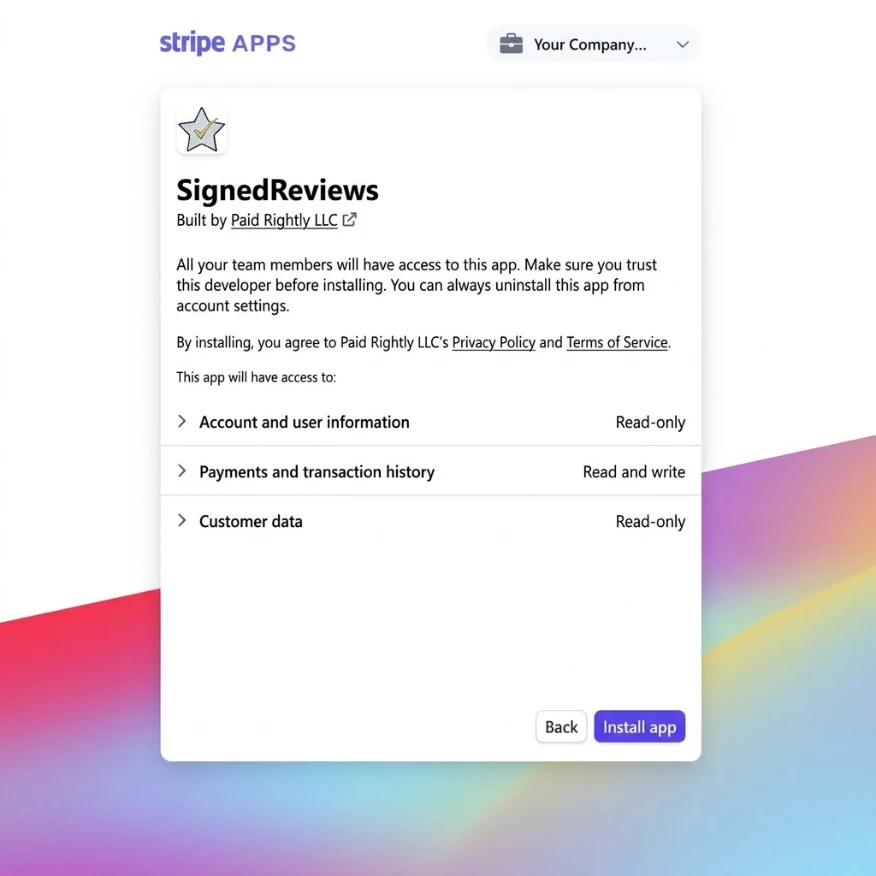
SignedReviews is an app on the Stripe App Marketplace. It can read your charges, customers and subscriptions. It cannot create charges, issue refunds or move money. The only thing it can create is a discount coupon, and only if you switch on review incentives.
2. A client pays, and gets one request
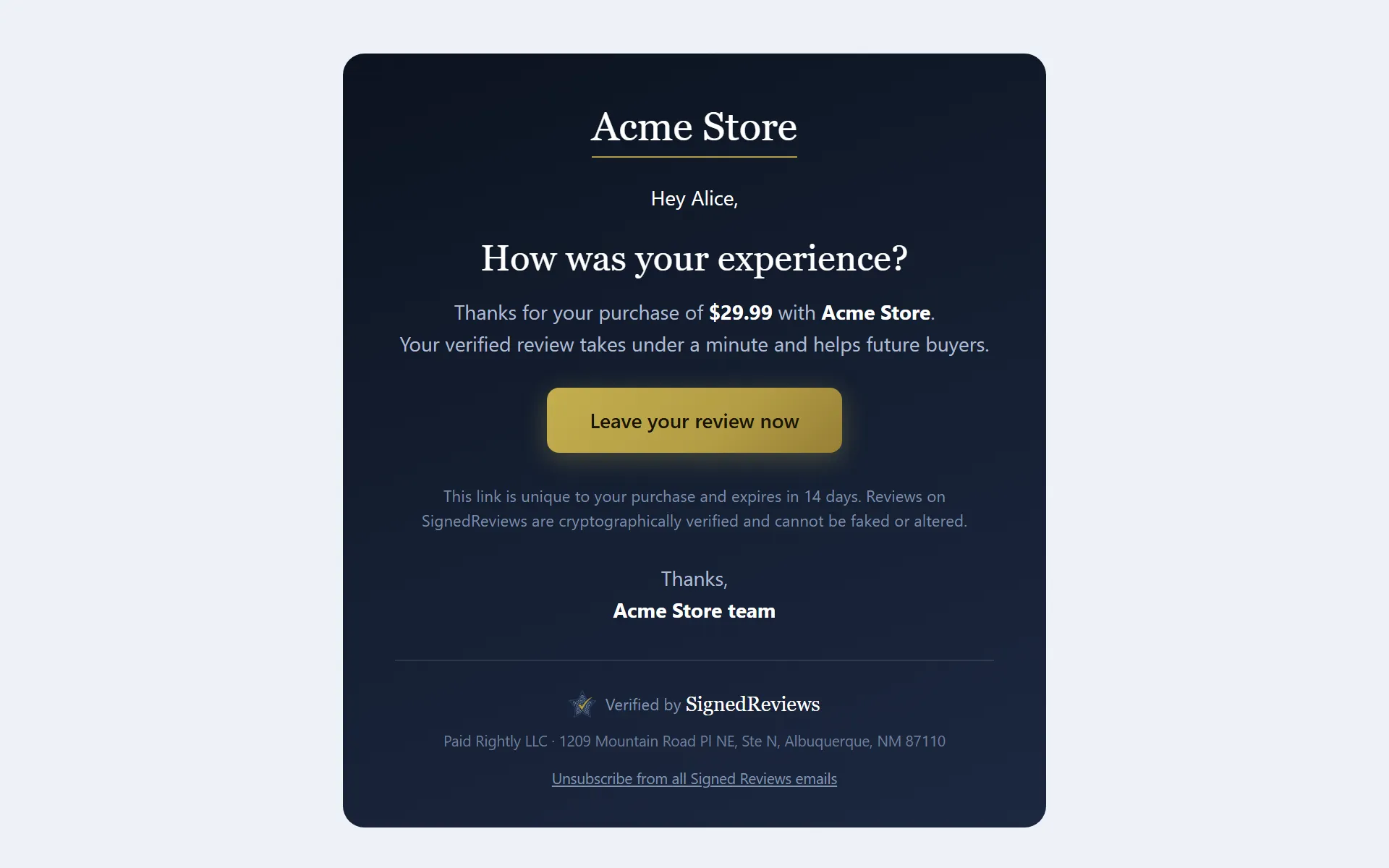
New charges are picked up within about 5 minutes. The request goes out after the delay you set, between 10:00 and 20:00 in the client's local time when their country is known. Each client gets one request, plus up to two reminders on paid plans. A client who buys again is not asked again.
3. They write it, and it gets signed
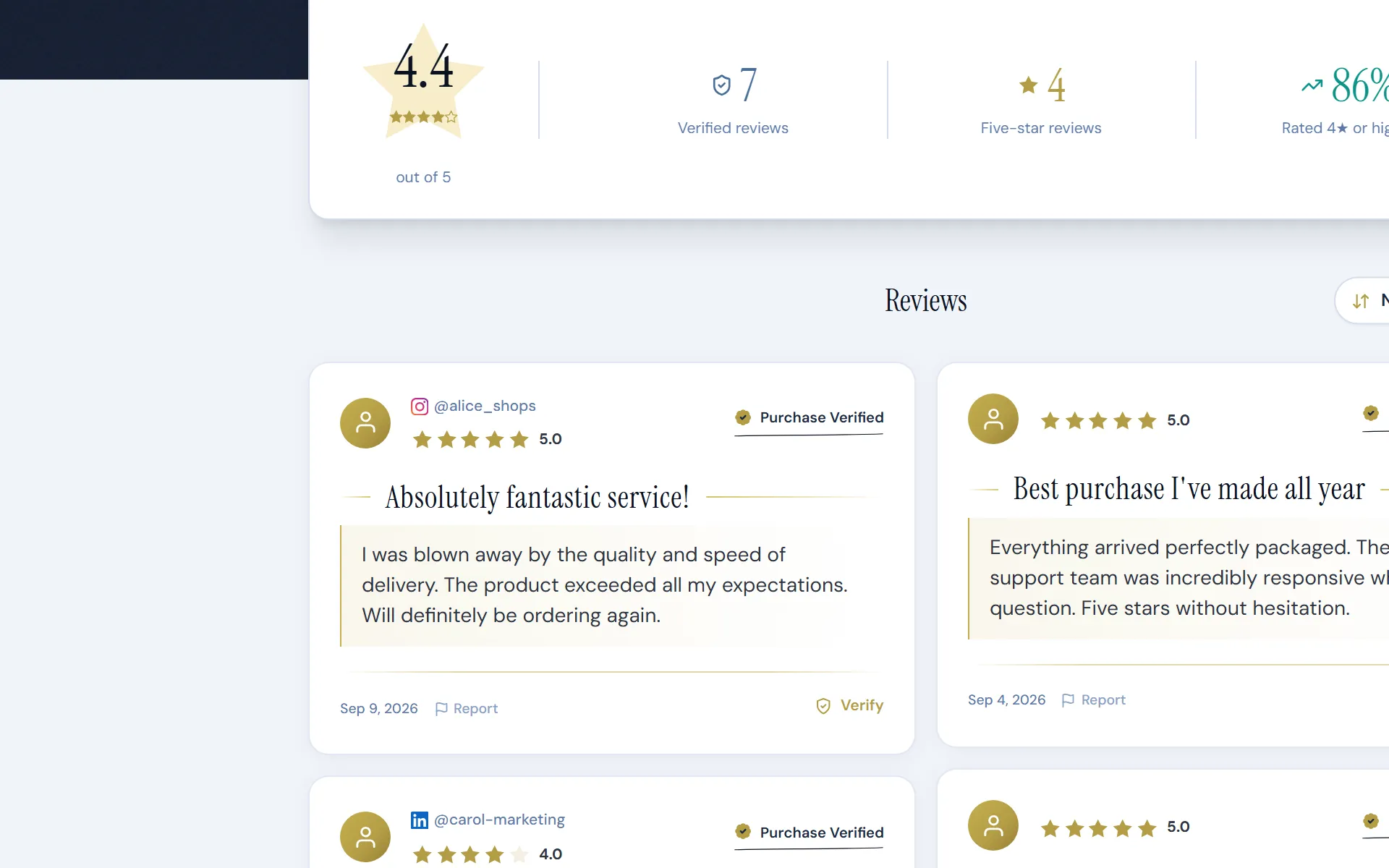
The review is signed with HMAC-SHA256 at the moment the client submits it. The signature covers the rating, title, text, date and the Stripe charge it belongs to.
4. Anyone can check it
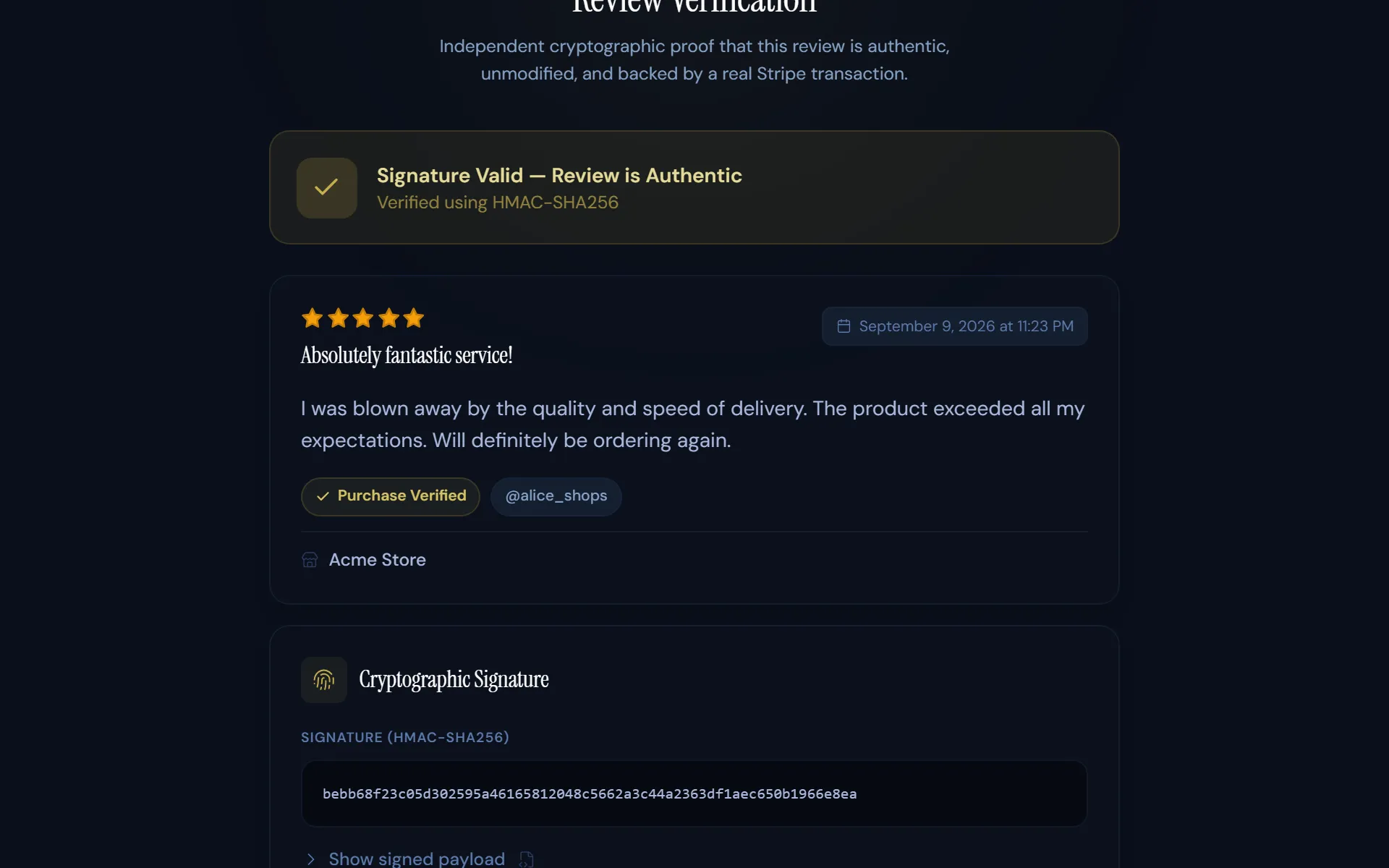
Every review has a Verify link. It opens a page that re-checks the signature, so a prospect can see the text has not changed since your client wrote it.
What you can and can't do with a review
- You can reply to it publicly.
- You can't edit the text, change the rating or delete it.
- You can show the reviews on your hosted review page, with an embeddable badge, or through the read-only API.
Why it matters for coaches in particular
The FTC's rule on consumer reviews and testimonials took effect on October 21, 2024. It bans fake testimonials, and reviews by insiders such as employees unless that connection is disclosed (summary of the FTC rule). In April 2026, Publishing.com, which sold a course with a coaching add-on, agreed to pay $1.5 million. Part of the complaint was reviews written by employees and relatives without disclosure (FTC press release).
Pricing
Free includes 10 automatic review requests and an unlimited self-service link you can share. Starter is $29 a month for 250 automatic requests, with reminders. A coach with 20 new clients a month fits in Starter. See all plans.
Questions coaches ask
Do my clients need an account?
No. They click the link in the email and write the review. The link only works for the payment it was sent for.
Can I ask clients who paid me before I signed up?
Yes. When you connect, SignedReviews imports your Stripe charges from up to 6 years back. With collection switched on, it emails up to 5 past clients an hour, newest first, until you reach your plan's limit. Free covers 10 clients. Starter covers 250 a month.
I use Kajabi. Will it work?
Only if your Kajabi checkout is connected to your own Stripe account. If you use Kajabi Payments, the charges stay inside Kajabi and SignedReviews can't see them.
I use ThriveCart. Which Stripe account do I connect?
ThriveCart's Stripe connection can create a separate Stripe account under your login. Install SignedReviews in the account your ThriveCart sales land in.
Will a client who buys again get asked again?
No. Automatic requests go to each client once, and every review is tied to one payment.
Related: How review verification works · FTC fake review rules · Pricing